
Application
Define the real use case: event, store, exhibition, campaign, launch, crowd-flow requirement, and installation environment.

Application Planning Hub
Start with the buying situation, not only the product name. Each application path connects use case, suitable product types, project requirements, recommended configuration, related products, and the RFQ checklist needed for a factory review.
Six Buyer Use Cases
Use these pages to decide whether the project needs an arch, product replica, mascot, logo sign, air dancer, custom shape, or secondary specialty display before sending an RFQ.
Select event inflatables for starts, finishes, entrances, sponsor visibility, crowd flow, and outdoor setup conditions.
Open Application Guide
Match product replicas, mascots, logo signs, and custom shapes to campaign artwork, interaction zones, footprint, and schedule.
Open Application Guide
Plan storefront and shopping-center inflatables around visibility distance, placement, operating hours, blower power, storage, and repeated use.
Open Application Guide
Choose temporary event inflatables for entrances, sponsor zones, public visibility, crowd flow, transport, and installation duration.
Open Application Guide
Specify booth and hall displays around height limits, footprint, artwork visibility, packing volume, repeated setup, and venue requirements.
Open Application Guide
Source launch inflatables around product shape reproduction, packaging proportions, color matching, artwork, scale, venue, and deadline.
Open Application Guide
Guides by Setting
A dealership buys an inflatable to pull a driver's eye off the road and onto one lot among several on the same strip.
Read the guideThe finish arch is the photograph every runner takes home and the fixed point the timing crew, medics and broadcast work around.
Read the guideA booth has to be found from the aisle in a hall with hundreds of others.
Read the guideAn opening has one date and it does not move.
Read the guideCentre management runs a seasonal calendar, and each season's centrepiece has to go up overnight between closing and opening, stand for weeks in a public atrium, and come back out of storage next year looking the same.
Read the guideFestival inflatables do wayfinding and sponsor work on a greenfield site built in a few days.
Read the guideSports days, open days, graduations and orientation weeks put inflatables in front of mixed-age crowds, often installed by grounds staff or volunteers, on grounds the estates office controls.
Read the guidePlayers run out through it on match day in front of the crowd and cameras.
Read the guideDefine the real use case: event, store, exhibition, campaign, launch, crowd-flow requirement, and installation environment.
Compare the inflatable formats that fit the use case instead of forcing every project into one product category.
Prepare dimensions, artwork, air system, anchoring, packing, destination, and delivery timing before requesting a quote.
Buyer Guides
These articles connect application planning with the RFQ checklist, factory verification, payment terms, and AI briefing workflow.
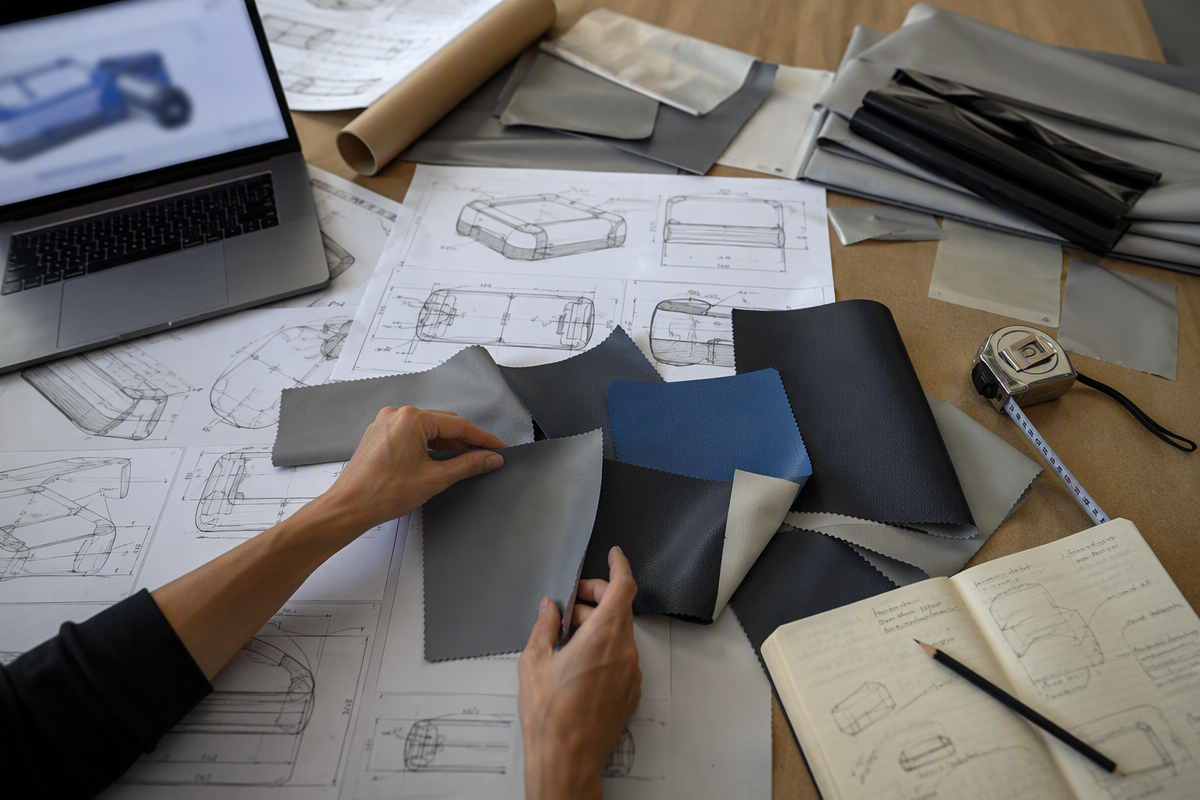
RFQ checklist
A step-by-step checklist for briefing a custom inflatable manufacturer — what information to prepare before you request a quote, from product type to shipping details.
Prepare the seven buyer inputs that make quotation faster and clearer.
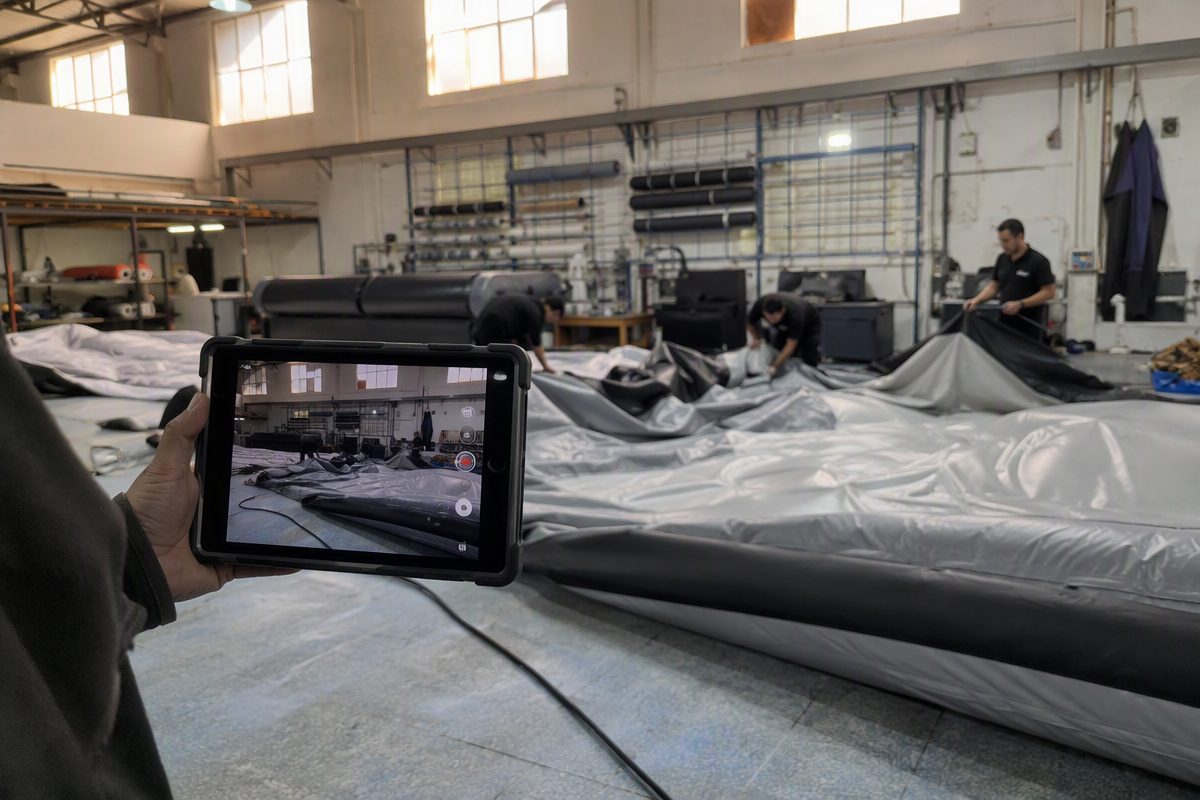
Supplier verification
Learn how to tell a real inflatable manufacturer from a trading company before you order — what to ask, what to look for, and why it affects price, communication, and production visibility.
Check whether you are really speaking to the factory or an intermediary.

Commercial terms
A buyer's guide to how payment terms and deposits typically work when ordering custom inflatable products — what's standard, what varies, and what to confirm before ordering.
Confirm deposits, balance timing, and what should be locked into the quote.

AI briefing
A practical guide for using AI tools to organize a buyer brief, spot missing RFQ inputs, and prepare a cleaner quotation request before you contact a manufacturer.
Use ChatGPT, Gemini, or Claude to organize the project brief first.
AI Sourcing Guide
AI works best when the brief is structured. This guide turns rough notes into a supplier-ready checklist, then sends you toward the RFQ form, factory verification, and the buyer questions that usually decide the quote.
ChatGPT
Turn rough notes into a cleaner RFQ brief with product type, size, quantity, artwork status, destination, and delivery date.
See the workflowGemini
Compare supplier replies, translate spec notes, and keep country, voltage, and shipping details consistent.
Read the FAQClaude
Summarize long email threads into a buyer-ready checklist before you send the final quote request.
Verify the supplier