Buyer Guide
Custom Inflatable Columns: Single Displays or Multi-Column Entrances?
Choose a single inflatable column when one reception point or display needs a clear visual marker. Consider multiple columns when several approach directions or an entrance sequence need coordinated branding. Decide from the usable floor plan, full installation footprint and operating requirements, not the number of columns in a reference image.
By InflatCraft Product Team • Last updated
1. Match the column count to the job
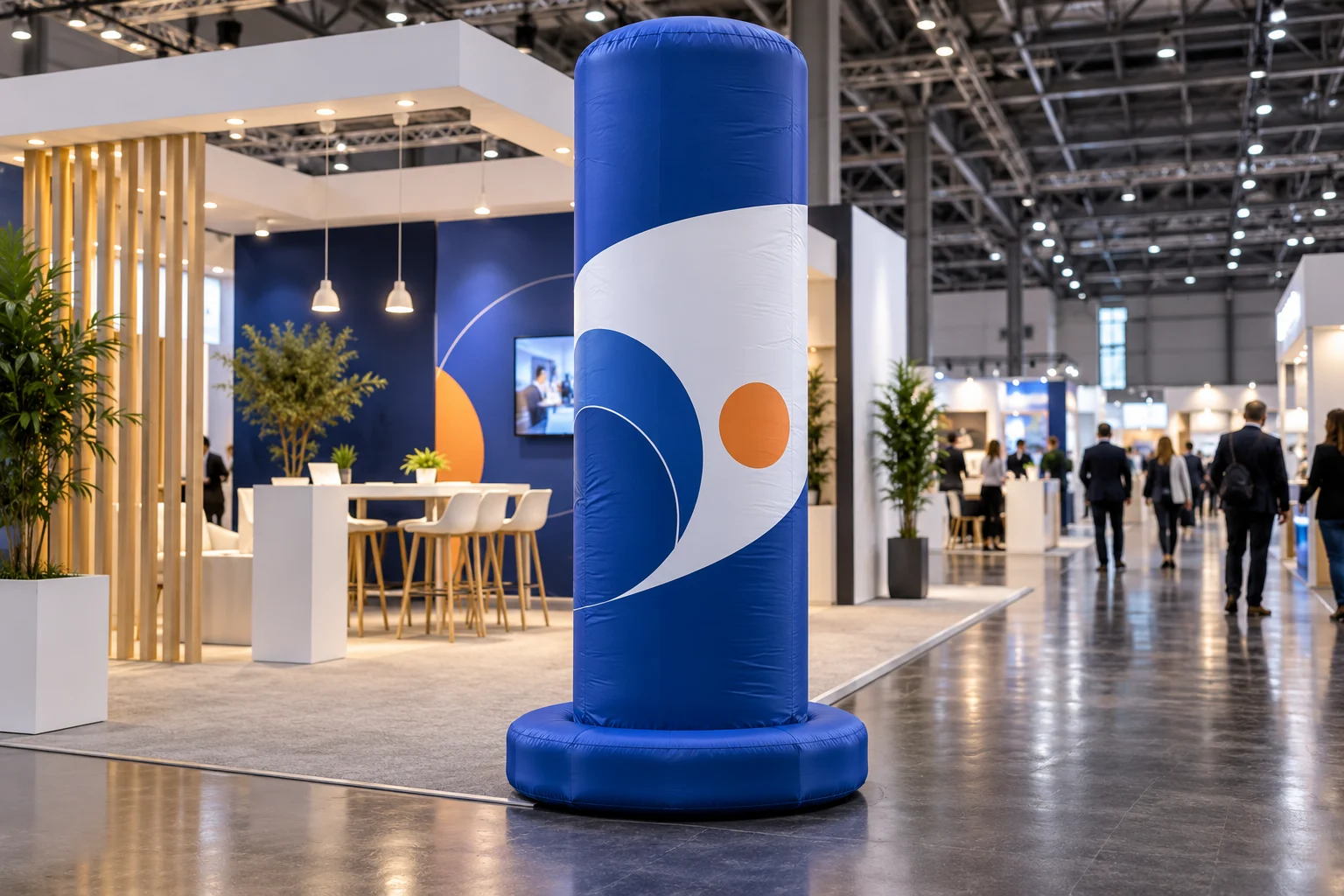
A custom inflatable column is an upright branded display. One column can mark a reception desk, introduce a product area or support a store promotion without creating a complete entrance installation. A coordinated group can repeat a campaign along an approach or frame an arrival point. More units also introduce more equipment, placement decisions and packing items.
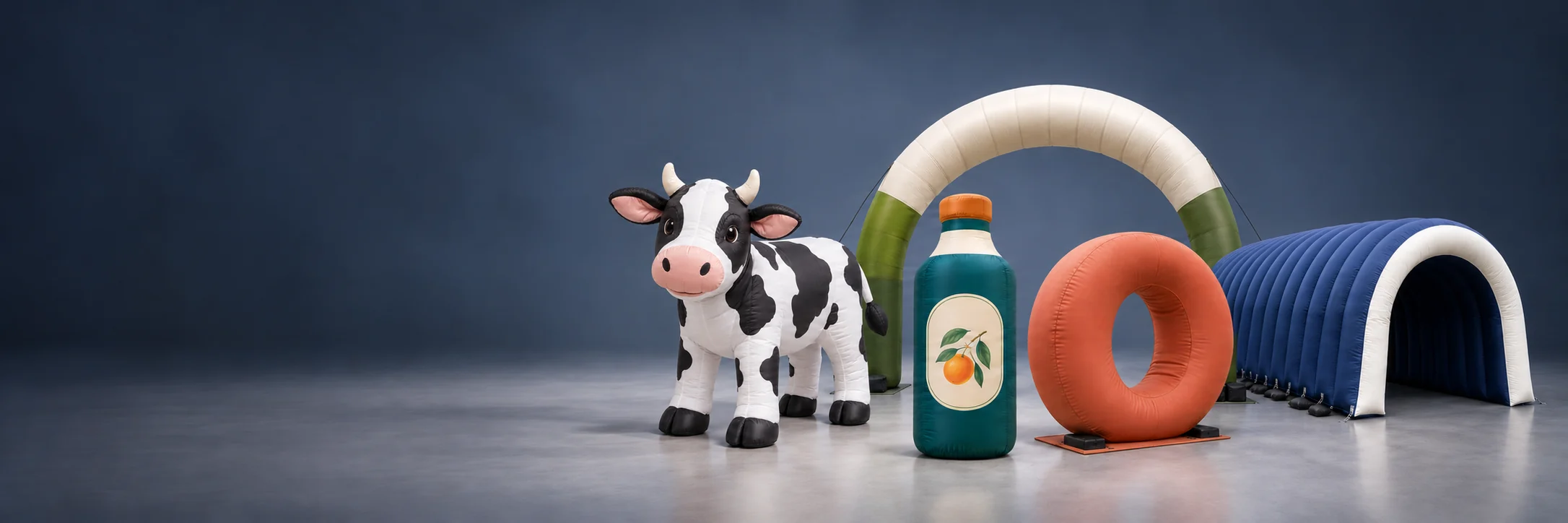
Begin with the custom inflatable column and pillar product page. It presents a cylindrical profile with a softly rounded top and circular base. The proposed material, dimensions, inflation system and any lighting package still need to be agreed for the order. A printed bottle graphic on a cylinder does not make it a three-dimensional bottle-shaped inflatable.
| Planning question | Single-column display | Multi-column entrance |
|---|---|---|
| Primary purpose | One visual marker beside a defined activity | A repeated identity or entrance sequence |
| Available space | One full installation envelope | Several envelopes plus approved circulation between them |
| Graphics | Orient the main message toward the principal approach | Assign an artwork orientation and unit reference to each position |
| Operating scope | One unit to inspect and manage | A coordinated plan for every unit, connection and accessory |
| Order comparison | Unit price and complete accessory scope | Set price, individual unit quantities and shared versus separate equipment |
2. Use a single column when the destination is already clear
For an exhibition booth with a visible reception counter, one column may be enough to reinforce the brand. Position it in the approved stand area rather than pushing the base into a public aisle. Check the view from the approach and from the reception desk: a tall display can also hide a staff member, screen or directional sign.
Treat the column as a visual marker, not a substitute for required venue signage. A small site does not automatically need a small-diameter column; the full base, fixing arrangement, inflation equipment and any service access determine whether the proposal fits. Ask for a plan and elevation rather than approving a cropped photograph.
For a retail brief, supply a photograph taken from the customer approach and identify doors, displays and the boundary of the permitted promotional area. The retail promotion planning page is a reference for these questions, not proof that a particular store has accepted the design.
3. Use multiple columns only after mapping the entrance
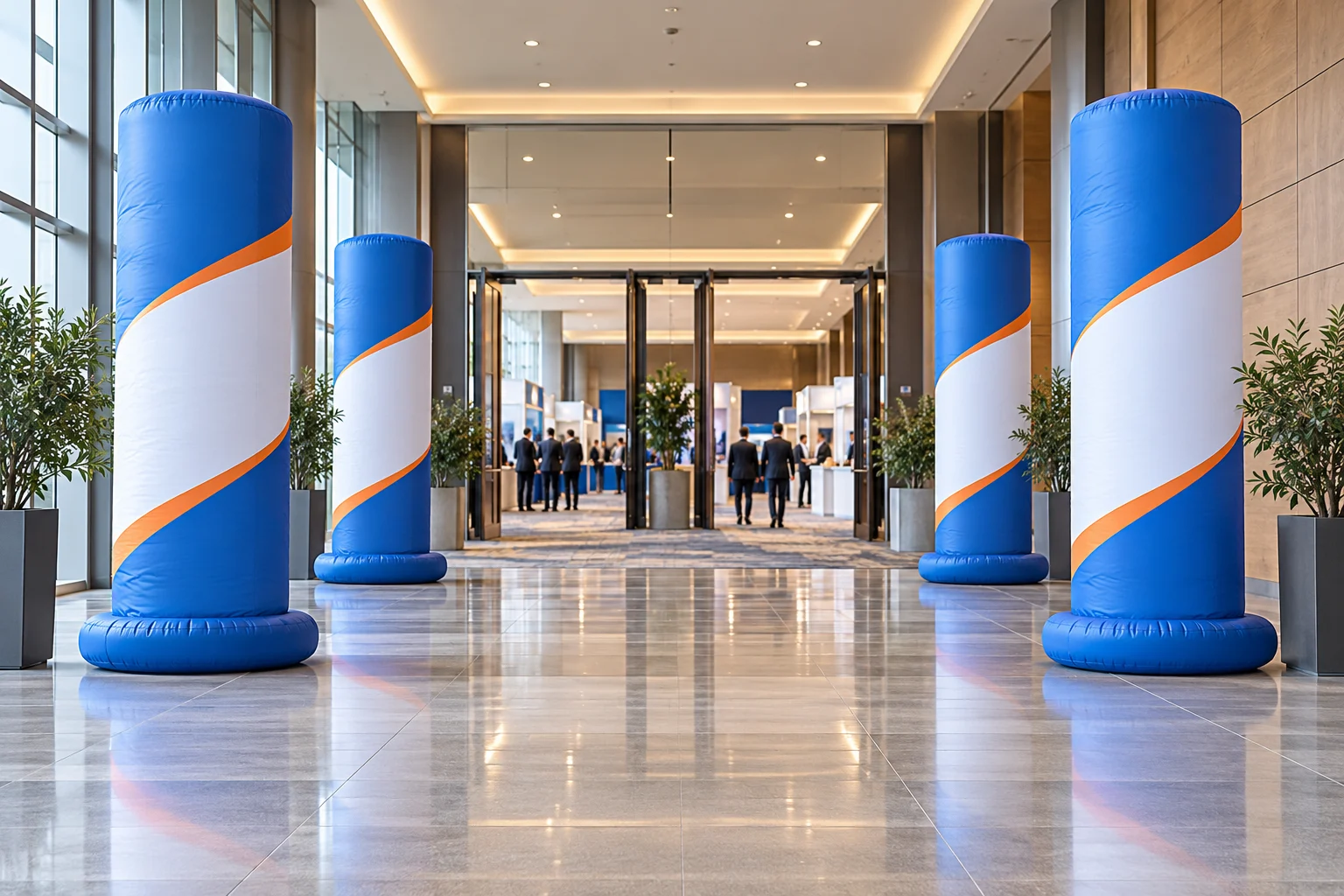
Two columns can visually frame a destination; four or more can establish a repeated sequence. These are composition options, not a recommended safety quantity. Mark every base and equipment position on the venue plan before deciding how many to order. Also show the actual route for entering, leaving, queuing and accessible movement.
Avoid arranging a group solely for the camera. A layout that looks balanced in a frontal photograph may obstruct a diagonal approach or create a narrow point beside a desk. Do not connect columns with a banner or overhead member unless that separate structure has been designed and reviewed for the project.
UK HSE guidance identifies arrival, circulation and departure as distinct phases of event planning and calls for pedestrian routes to remain clear. Use it as a planning reference, alongside local and venue requirements: HSE crowd controls. Decorative inflatables are not crowd barriers or an approved evacuation system.
4. Measure the full installation envelope
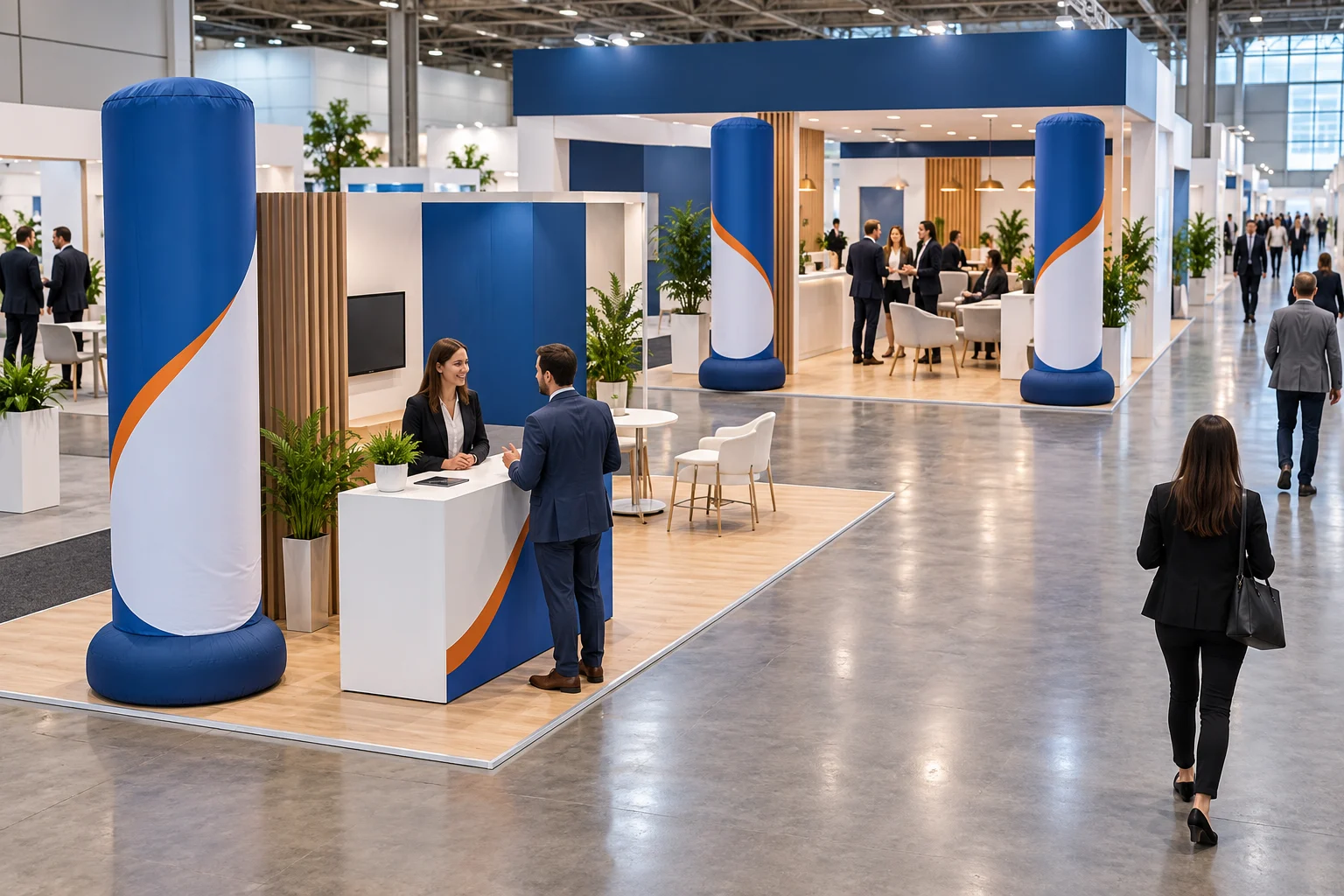
For each position, record overall height, body diameter, maximum base width and depth, and the required space for the proposed securing and equipment. Keep these dimensions separate from the packed carton size. An enlarged base or an external blower can change a layout even when the visible cylinder remains the same size.
| Drawing item | Information to confirm |
|---|---|
| Elevation | Maximum installed height, ceiling restrictions and nearby signs or services |
| Plan view | Base footprint, any fixing zone, equipment location and service access |
| Public routes | Venue-approved clear routes, queue positions, entrances and emergency exits |
| Surface | Floor or ground conditions, fixing restrictions and permitted protection |
| Access | Loading route, doors, storage space and setup/removal arrangements |
For an outdoor proposal, send ground photographs and explain weather exposure. HSE site-design guidance identifies ground conditions and prevailing wind as planning considerations: venue and site design. Request design-specific operating and securing instructions from the responsible project team. This guide does not supply a universal wind rating, ballast weight or minimum clearance.
5. Confirm inflation, base and optional lighting separately
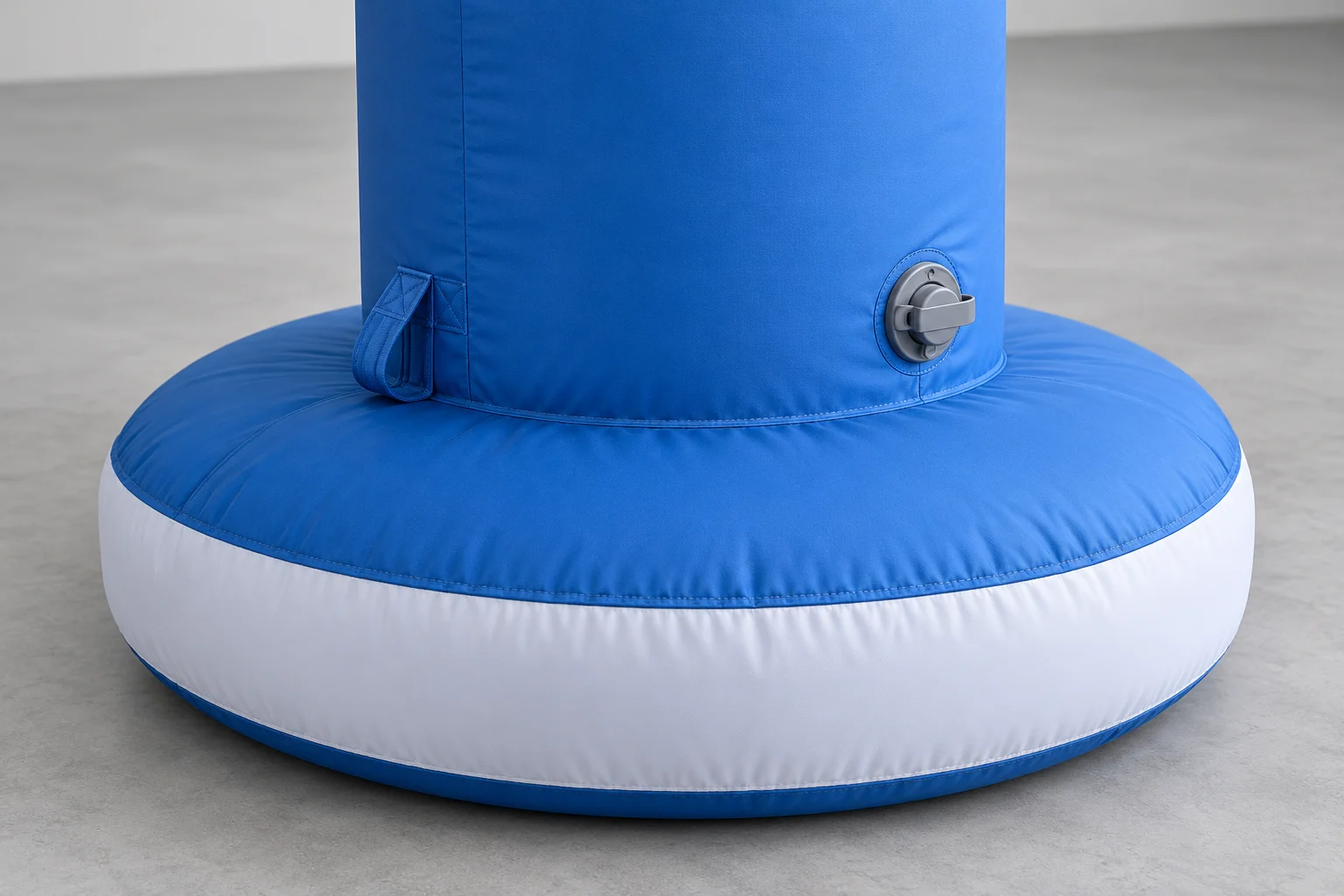
Ask whether the quoted version uses sealed-air construction or continuous inflation. For continuous-air designs, confirm the blower allocation, power, plug, cable route and instructions for each unit. Do not assume one blower serves a whole group. For a proposed sealed-air version, confirm inflation equipment, pressure-management instructions and inspection requirements rather than assuming it can be left unattended.
A broad base in a picture does not establish that the column is stable in the intended location. The securing arrangement, surface and operating limits require a separate review. An attachment loop shown in a concept image is not evidence of a rated anchor or lifting point.
If illuminated columns are required, describe the intended appearance and operating hours. Confirm the actual light source, controls, electrical supply, service access and included equipment. An air-sealed construction does not mean that lighting operates without power. Compare the operating questions in the sealed-air versus blower guide.
6. Approve artwork as a position-by-position schedule
Cylindrical surfaces make the visitor approach important. Ask where the main logo will face, how the graphic wraps around the body and where seams interrupt the artwork. Do not approve only a flat logo file: approve the proposed printed layout on the agreed column shape.
For a group, use a simple unit schedule such as C1, C2, C3 and C4. Record each unit’s position, artwork revision, orientation and any different height or color. If all units are identical, confirm that explicitly. If different sponsors appear on different columns, approve each version and use matching packing labels.
Provide artwork you are authorized to use. The blue, white and orange patterns in this article are original fictional design references, not a real brand campaign. For preparation details, review the custom inflatable artwork guide.
7. Compare complete quotations, not just the unit price
| RFQ field | What to send or confirm |
|---|---|
| Objective and quantity | Single marker or grouped entrance; units by design and placement |
| Dimensions | Height, diameter, full footprint and approved venue plan |
| Artwork | Authorized files, color references, printed sides and unit schedule |
| Operating system | Sealed-air or continuous-air proposal; inflation equipment and optional lighting |
| Site responsibilities | Who reviews securing, local power, setup, supervision and removal |
| Delivery | Destination, required on-site date, packing and requested trade term |
| Acceptance | Agreed inflated views, measurements, accessory inventory and packing evidence |
InflatCraft’s column product page lists FOB Tianjin Port with price by project quotation. Ask which accessories and packing are included, and compare freight and local services separately. Production completion is not the same as arrival at the venue; identify design approval, dispatch, freight, customs and local receiving milestones.
Send the column count, proposed floor plan, dimensions, artwork, venue, destination and required arrival date through Request a Quote. If the layout is undecided, ask for single-unit and grouped options against the same brief so the differences are explicit.
All four images are AI-generated planning references. They are not photographs of completed InflatCraft products or customer installations, and do not establish approved dimensions, construction, stability or compliance. The final proposal and venue review govern the supplied design.
Product Buying Guides
More on choosing and ordering custom inflatables.
Custom Inflatable Mascots: Print vs 3D | InflatCraft
Decide which mascot details to print and which to build in 3D. Compare character recognition, construction review, packing and quotation scope.
Custom Inflatables Bulk Order Checklist | InflatCraft
Prepare a custom inflatables bulk order with a shared approval record for artwork, color, dimensions, accessories, unit IDs, packing and acceptance.
Custom Advertising Balloon Quotes | InflatCraft
Request a custom advertising balloon quote with artwork, size, quantity, support method and destination. Review air-filled, suspended and helium proposals.
Static vs Wearable Inflatable Mascots | InflatCraft
Compare static inflatable mascots and wearable costumes for brand promotions: interaction, staffing, site constraints, approval evidence and quotation scope.
Compare sizes, materials and air systems on the custom advertising inflatable product range page before sending an RFQ.
Relevant Product Pages
Compare specifications before submitting an RFQ.
Plan the layout and supply scope
Buyer FAQ
Additional specification questions.
Choose the count after defining the display objective and mapping the complete installation envelope. One column can mark an existing reception point; a set can repeat branding or frame an entrance. A venue-approved circulation plan must take priority over symmetry.
There is no universal spacing in this guide. Provide the base footprints, equipment positions, expected circulation and venue requirements. Have the responsible venue or event team confirm the clear route before approving the layout.
Do not assume that they can. Ask the supplier to specify the inflation system and equipment allocation for the actual design, together with power, connections and operating instructions.
Confirm the selected construction and inflation equipment. Any lighting has separate power requirements. Sealed-air terminology alone does not establish that the full display operates without electricity.
Request a feasibility review with authorized artwork for every version. Use a unit-by-unit schedule covering position, design revision, dimensions and quantity, and approve the proposed print layout before production.